Order Confirmed
Thank You for Your AIQ Historical Data Order
AIQ's comprehensive dataset — US stocks, indices, and mutual funds — delivered as a digital download.
6,500+ TICKERS · US STOCKS · INDICES · MUTUAL FUNDS
What Happens Next
✓ The historical data is contained in a self-extracting file. Your download link will be sent to you by e-mail.
Before you install: we recommend you back up your existing /wintes32 folder and subfolders before installing any new data.
Installing the Data
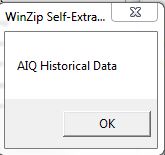
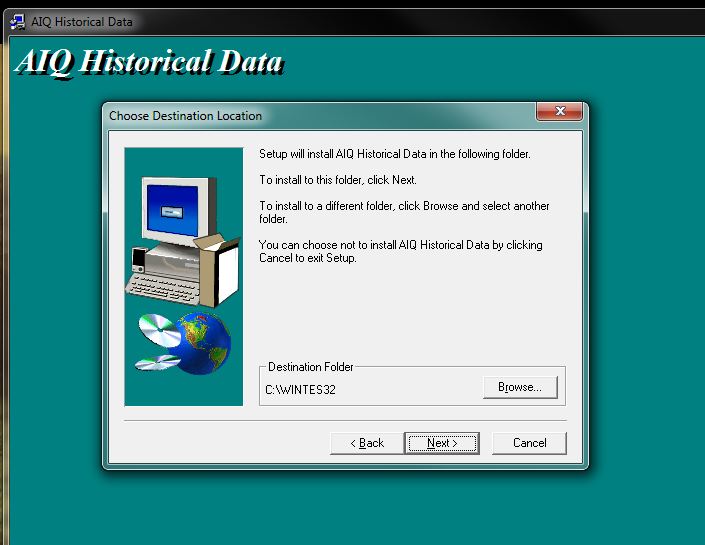
Double-click to run the file, click OK, and select Setup. The install defaults to your /wintes32 folder and will locate your /wintes32/tdata folder to install the files.
Current ticker data will not be overwritten — only new symbols will be added. If you want your existing data overwritten, please e-mail support@aiqsystems.com for instructions before running the install.

Let the install run to completion. Once it finishes, your Master Ticker List will rebuild automatically.
✓ That's it — you are now ready to use the new data in AIQ.